Know what your vinyl collection is worth
Scan a record, grade it, and see what copies of that exact pressing have actually sold for. Every record gets an estimate, the collection gets a total, and both move as you grade, add and regrade.
How to find out what a vinyl record is worth
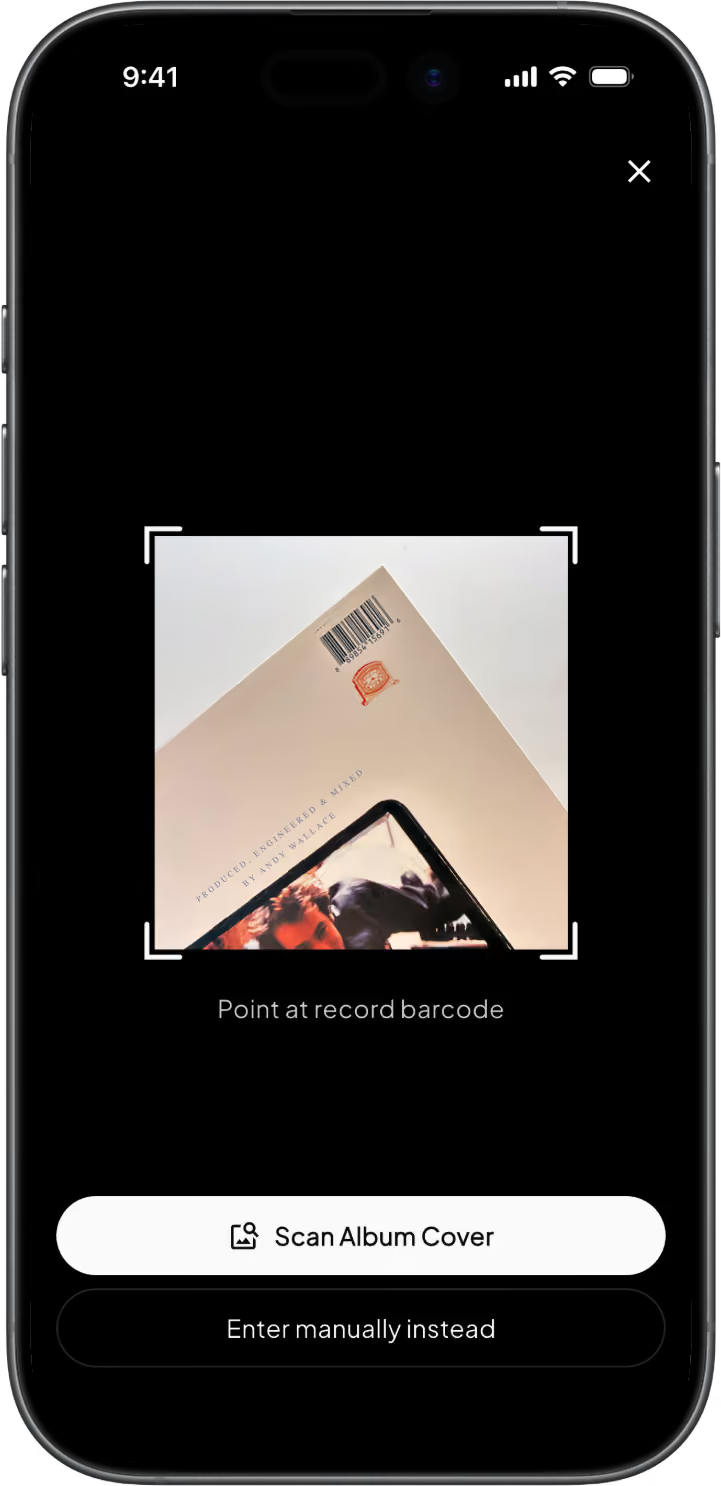
1. Identify the exact pressing
Scan the barcode and Groovv pulls the pressing from Discogs: label, catalogue number, country, year. Older record with no barcode? Point the camera at the cover and the AI scan finds it. Value lives at the pressing level, so getting this right is most of the job.
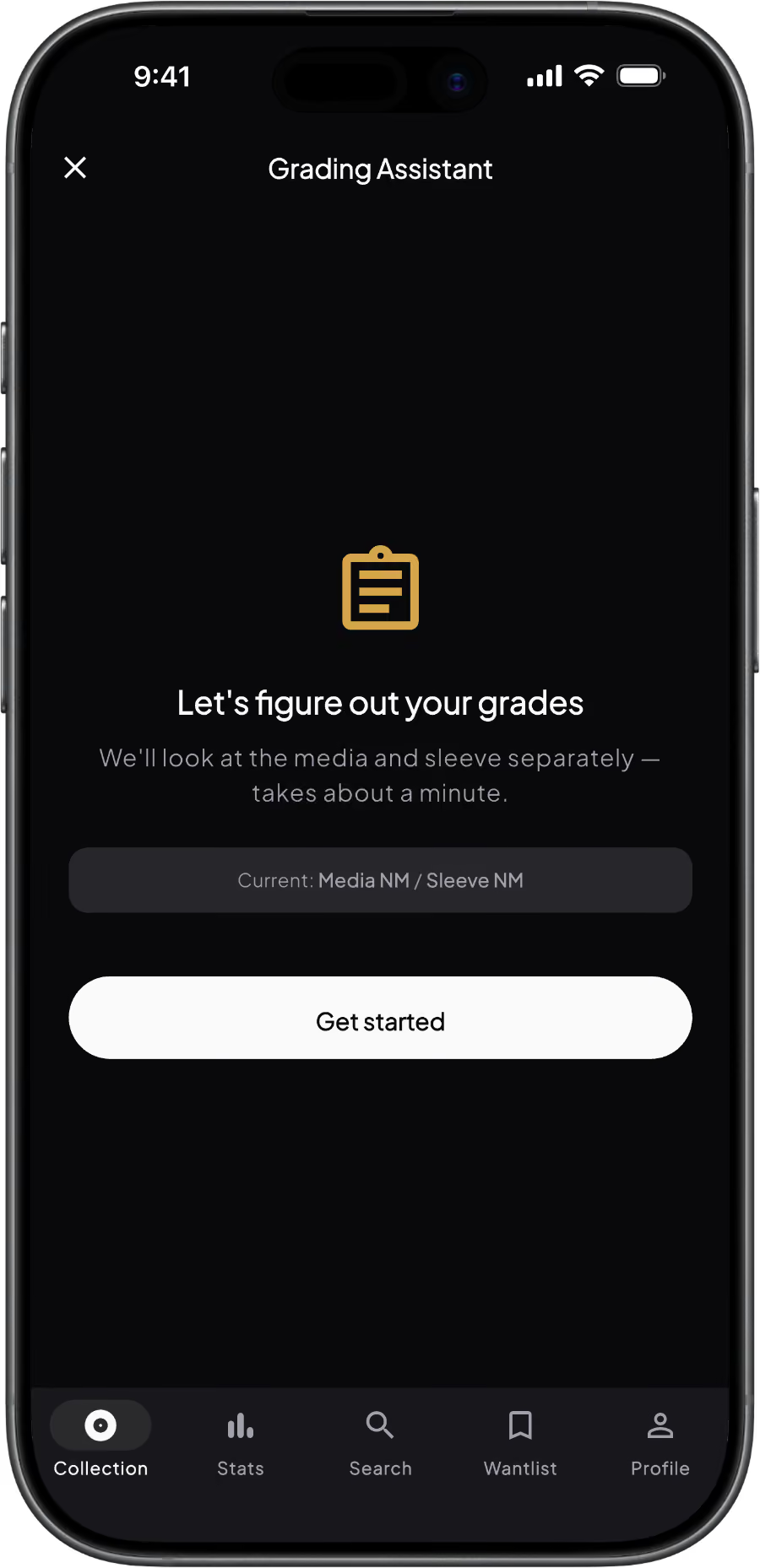
2. Grade the record
Grade media and sleeve on the Goldmine scale. If you're not sure what VG+ looks like, the grading assistant walks you through it with a few questions about the surface, the labels and the sleeve. Skip it for now and Groovv assumes VG+ until you come back, and the Stats tab tells you how many valued records are still ungraded.
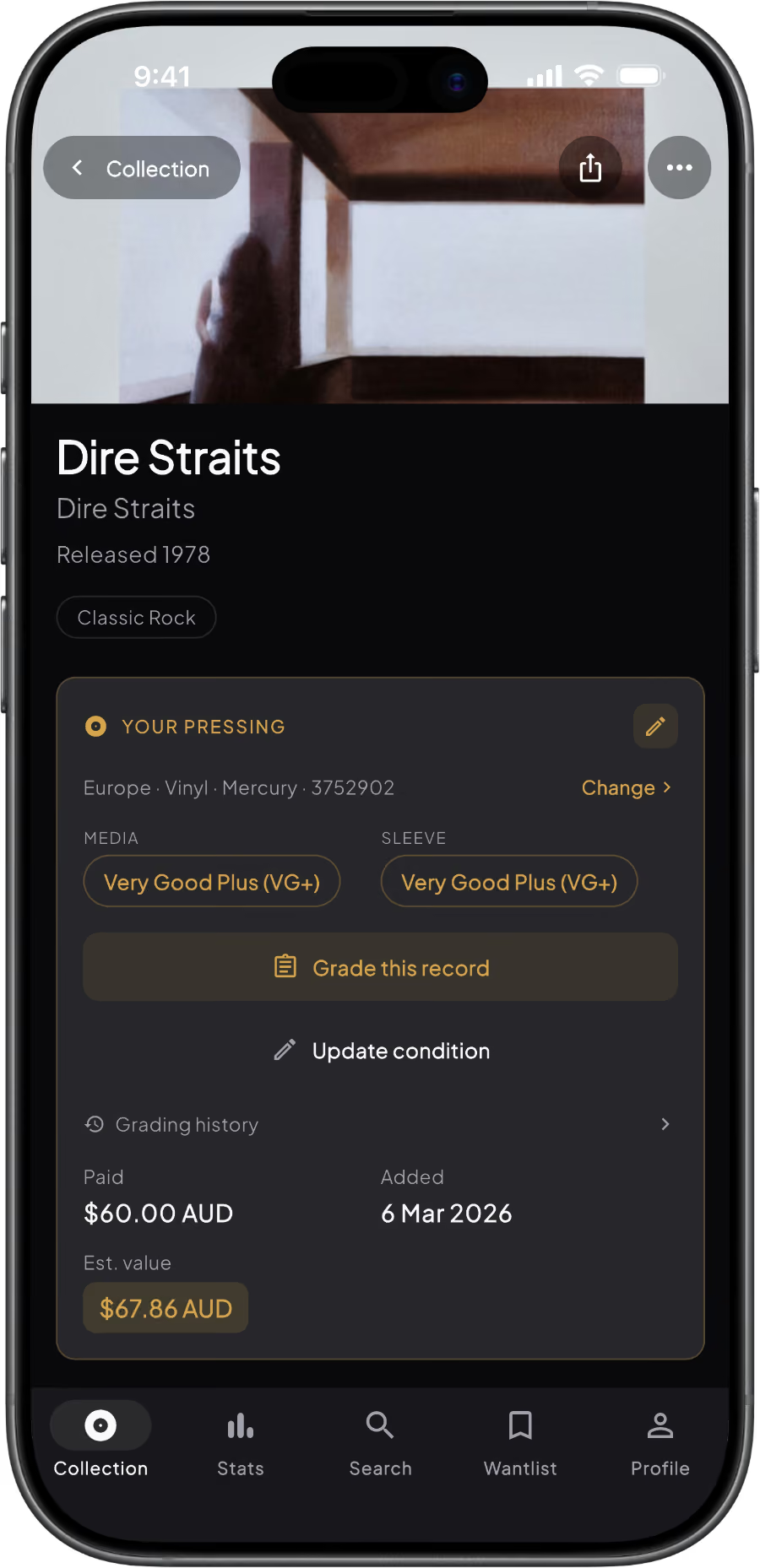
3. See the value, in your currency
The estimate on each record reflects sales of that pressing at that grade. Add a few and the collection total builds itself. Regrade a record after a clean and the number moves. Nothing here is an appraisal, but it's a lot closer than a guess.
Powered by Discogs market data
Discogs is where most of the world's vinyl changes hands, which makes its sales history the closest thing collecting has to a price guide. Groovv reads it for the record you own, not the album in general.

Real sales, not asking prices
Estimates come from what copies of your pressing have actually sold for on Discogs, not what sellers are hoping to get.

Per pressing, not per album
A 1975 US original and a 2015 reissue are different records with different values. Groovv values the one you own.

Condition sets the number
Each estimate is keyed to the media grade you gave the record. Regrade it and the value moves with it.

Wrong pressing? Swap it
If a barcode matches the wrong release, tap Change pressing, pick the right version of the master, and the value updates on the spot.
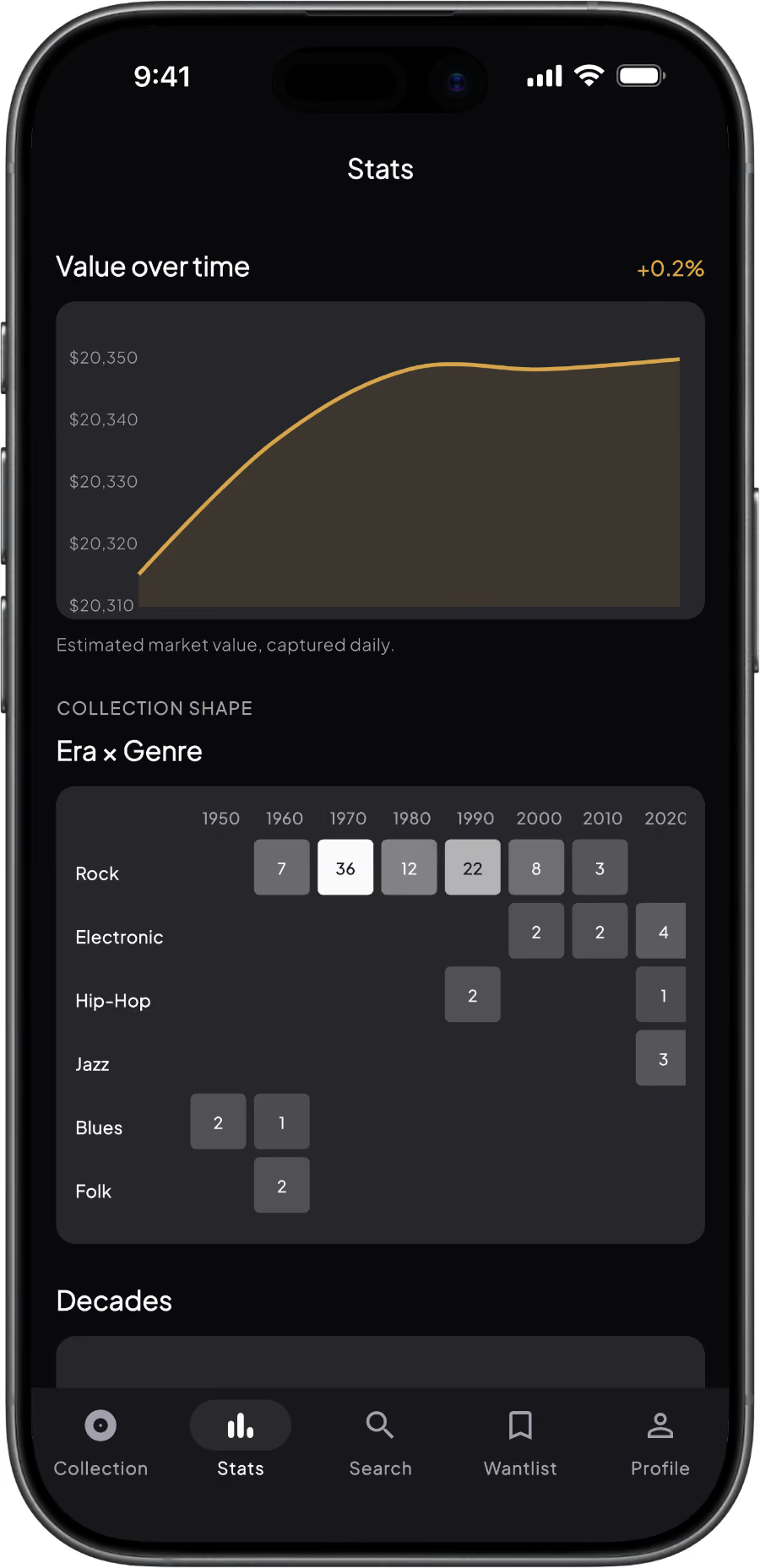
Estimated values and the collection total are free for every record. Pro adds the value-over-time chart, CSV export, grading history and the option to hide the total from your own stats page.
Free vs Pro: valuation features
The Collection Report for insurance is a dated PDF with photos, grades and values for every record, built for insurance. One-off purchase, included with Lifetime (view example here).
Frequently asked questions
How does the app calculate the value of my vinyl records?
Groovv uses real sales data from Discogs for the exact pressing you own, then adjusts the estimate for the condition grade you gave the record. Ungraded records are valued at VG+ until you grade them.
Is the vinyl valuation feature free?
Yes. Every user can see an estimated value on each record and a running total for the whole collection. Pro adds the value-over-time chart and CSV export with values and grades.
Can I use the app to insure my record collection?
Yes. The Collection Report is a one-off purchase that generates a dated PDF of your records with photos, grades and estimated values, built for insurance documentation. It is included with the Lifetime plan.
How accurate are the estimates?
They are estimates, not appraisals. Each one is based on recent sales of your pressing at your grade, and refreshes when you open a record whose estimate is more than a week old. Where there are no sales at your grade, Groovv uses the lowest current listing adjusted for condition. Records with no market data show no estimate and are left out of the total.
What if Groovv matches the wrong pressing?
Open the record, tap Change pressing, and choose the right version from the list. The estimated value updates immediately.
Does Groovv show values in my currency?
Yes. Discogs sales are in US dollars and Groovv converts them to your chosen currency: AUD, USD, EUR, GBP, CAD, JPY or NZD. Rates refresh daily.
See what your records are worth
Download Groovv free, scan the nearest record, and get a number. Then grade it and watch the number get more honest.
Keep reading
How Much Is My Vinyl Record Collection Worth?