The Discogs companion built for enjoying your collection
Import your existing vinyl collection into Groovv, then browse it visually, track every spin and clean, document condition, explore collection insights and find collectors who share your taste. Nothing changes on Discogs unless you choose to add records there.

Groovv works with Discogs, not instead of it
Discogs is the database and marketplace. Groovv is the personal, mobile-first layer for living with the records you own. Connect your Discogs account, import your vinyl collection, then keep using both.
Your Discogs collection,
transformed in minutes
Connect your account once and Groovv brings your vinyl collection across with its Discogs release data and artwork. From there, your records become a visual library you can actually browse, track and understand.
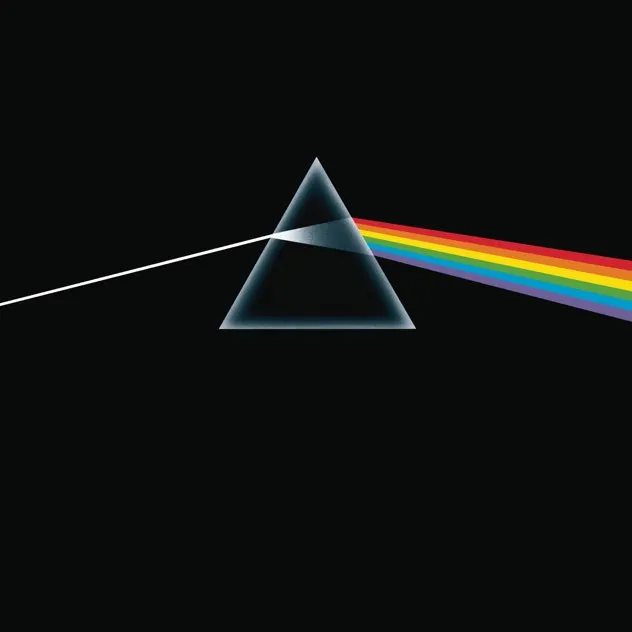

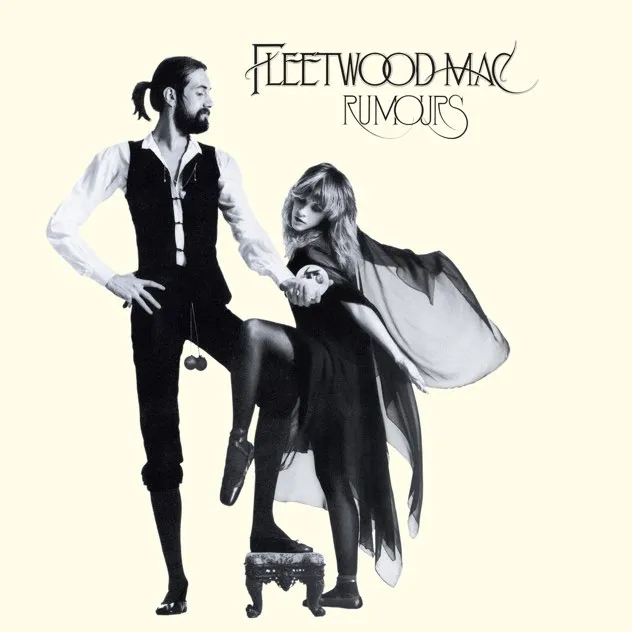
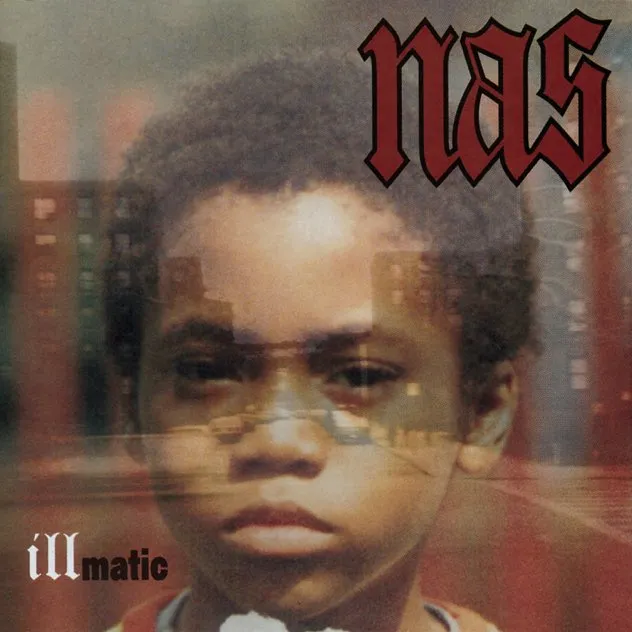
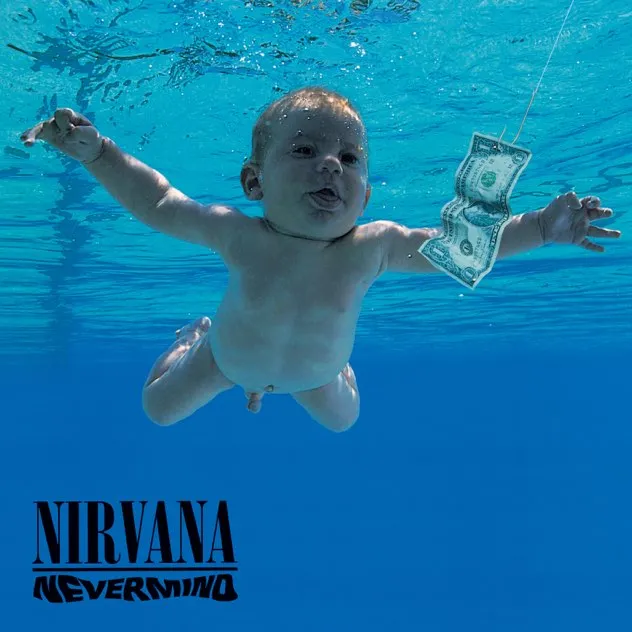
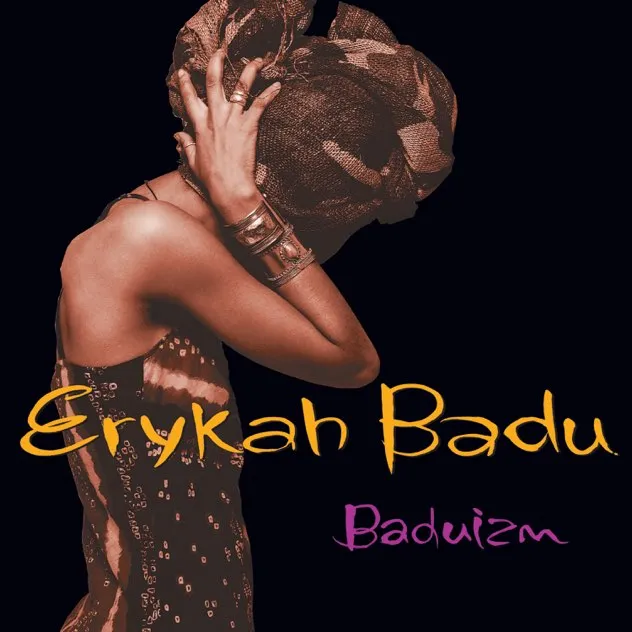

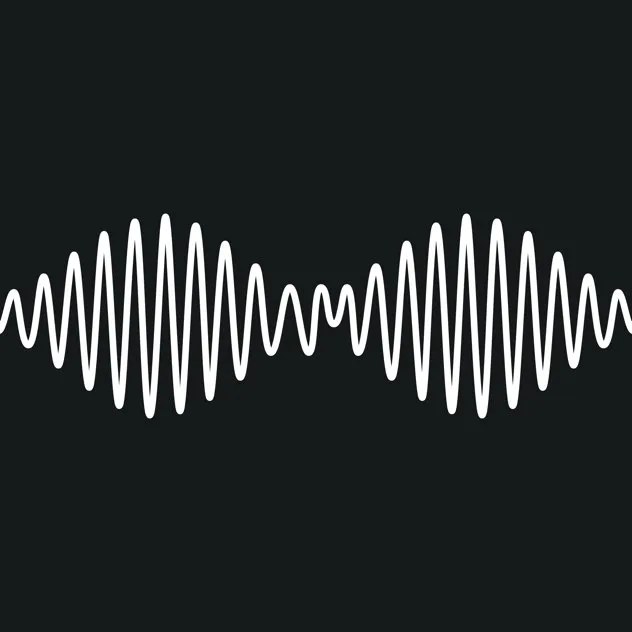
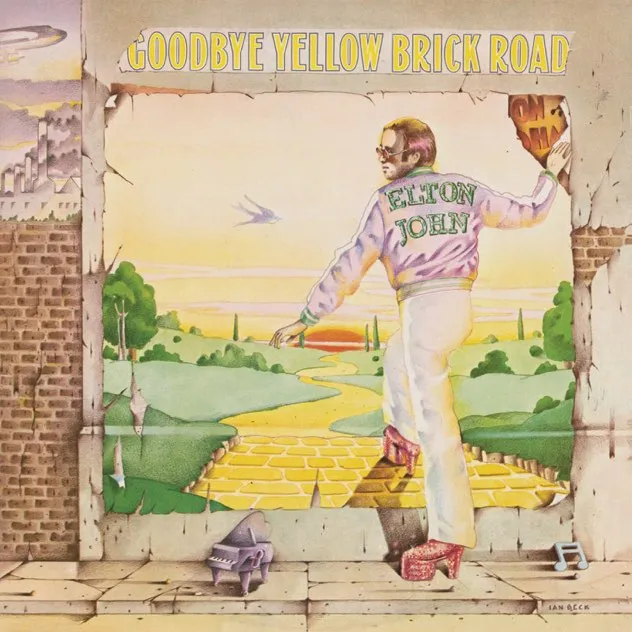

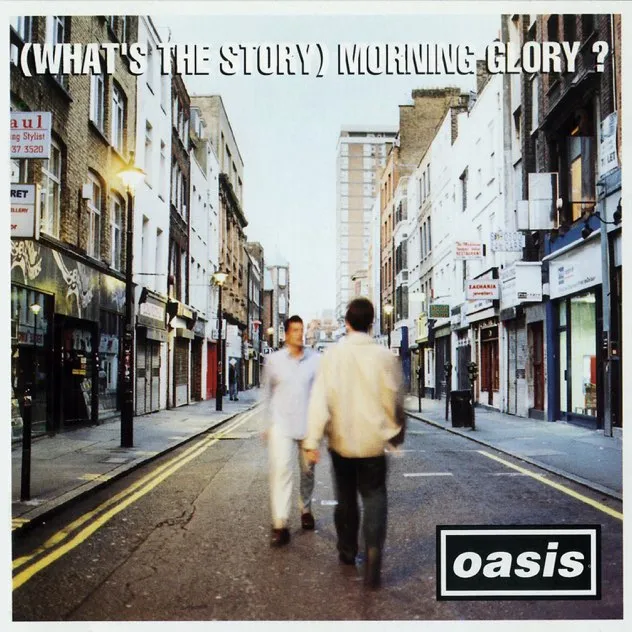
Keep Discogs. Add the collection experience it was never built to be.
The two products solve different parts of record collecting. Groovv does not replace the archive or marketplace - it gives your personal collection a richer day-to-day home.


Bring your Discogs collection across in three steps
Sign in through Discogs and authorise Groovv to connect to your account.
Groovv brings across supported vinyl releases - including LPs, 12-inch releases and box sets - with their Discogs release data and artwork.
Added or removed something in Discogs? Tap Sync and Groovv pulls in what changed without rebuilding the collection.
Sync runs on Groovv's servers, so it keeps going if you close the app, stops to ask before removing a lot of records at once, and shows a summary of what arrived. Nothing you do in Groovv edits or deletes anything on Discogs.
Your records arrive with the details that identify them
Groovv imports supported vinyl releases from your Discogs collection and matches them to their Discogs release data, including artwork and pressing information. Later syncs pull in collection additions and removals.
Discogs supplies the release data.
Groovv gives your collection a life.
Browse it
Flip through Crate Flick or switch to Gallery, Mosaic, Cards or List, search instantly, filter by genre and sort by artist, year, colour, estimated value, times played or your own shelf order.
Understand it
See your Crate DNA: genres, decades, pressing countries, top labels, collection age and condition-aware value insights.
Look after it
Grade media and sleeves with the Goldmine assistant, keep grading history, log every play and clean, and track the hours on your stylus and other gear.
Share and discover
Create a public collection page, browse collector profiles and use Taste Match to find the records and people closest to your crate.
Your Discogs collection stays in your hands
Groovv reads your Discogs collection and brings it into a separate Groovv library. Import and Sync only ever read. If you want new records to land on your Discogs too, Add to my Discogs sends them there, one at a time or automatically if you turn on Add to Discogs too. It only ever adds, and never edits or removes anything.

Groovv simply gives that collection another way to be used.
Start free. Upgrade when your crate outgrows it.
Import and enjoy up to 100 records on Groovv Free. If your collection is larger, or you want deeper collection tools, Groovv Pro keeps the whole crate together. The annual plan starts with a 7-day free trial.
Built for collectors who have already done the cataloguing
"Great app for vinyl collectors! Clean, intuitive, and packed with useful features. It’s become my main app for managing my collection outside of Discogs. The developer is very responsive and genuinely listens to user feedback. Highly recommended!"
Obeny - Groovv collector


Frequently asked questions
Is Groovv affiliated with Discogs?
No. Groovv is an independent vinyl collection app and is not affiliated with or endorsed by Discogs. Groovv uses Discogs data to identify releases and import connected collections.
Does Groovv replace Discogs?
No. Discogs remains the best place to research pressings and buy or sell records. Groovv is a companion for browsing, tracking, grading, understanding and sharing your personal vinyl collection.
Will Groovv change anything in my Discogs collection?
Only if you choose to. Import and Sync are read-only: they bring your Discogs collection into Groovv. Add to my Discogs sends a record or want you added in Groovv to your Discogs, one at a time or automatically if you turn on Add to Discogs too (off by default). Groovv only ever adds, and never edits or deletes anything in your Discogs account.
How do I import my Discogs collection?
Connect your Discogs account inside Groovv and begin the import. Groovv brings across supported vinyl releases, including LPs, 12-inch releases and box sets. The import runs on Groovv's servers, so 100 records take a few seconds.
How many Discogs records can I import for free?
Groovv Free imports up to 100 records, and Sync keeps working within that. Groovv Pro unlocks unlimited records and unlimited Discogs import.
What happens when I add or remove a record in Discogs?
Tap Sync in Groovv. It pulls in additions and removals without rebuilding or re-importing the collection. Sync runs on Groovv's servers, so it carries on if you close the app, and if a sync would remove a lot of records at once it stops and asks first. Records removed and re-added on Discogs keep their tags, plays and notes.
Does Groovv import the exact pressing?
Groovv uses the Discogs release attached to each item in your collection, so the imported record can retain its pressing-level release data where Discogs provides it.
Does Groovv import CDs or cassettes?
No. Groovv is deliberately vinyl-only. CDs, cassettes and other non-vinyl formats are not imported into the collection.
Do I need a Discogs account to use Groovv?
No. You can add records by barcode scan, cover scan, search or manual entry. A Discogs account is only needed to import an existing Discogs collection, keep it in sync, or add records back to your Discogs.
Can I keep using Discogs after importing?
Yes - that is the intended setup. Keep Discogs for database research, marketplace activity and your canonical collection. Use Groovv for the personal collection experience, and let it add new records to your Discogs when you want it to.
You have already built the collection. Now make it feel like yours.
Bring your Discogs vinyl collection into Groovv and turn it into a visual library built around collecting, listening, caring and sharing.