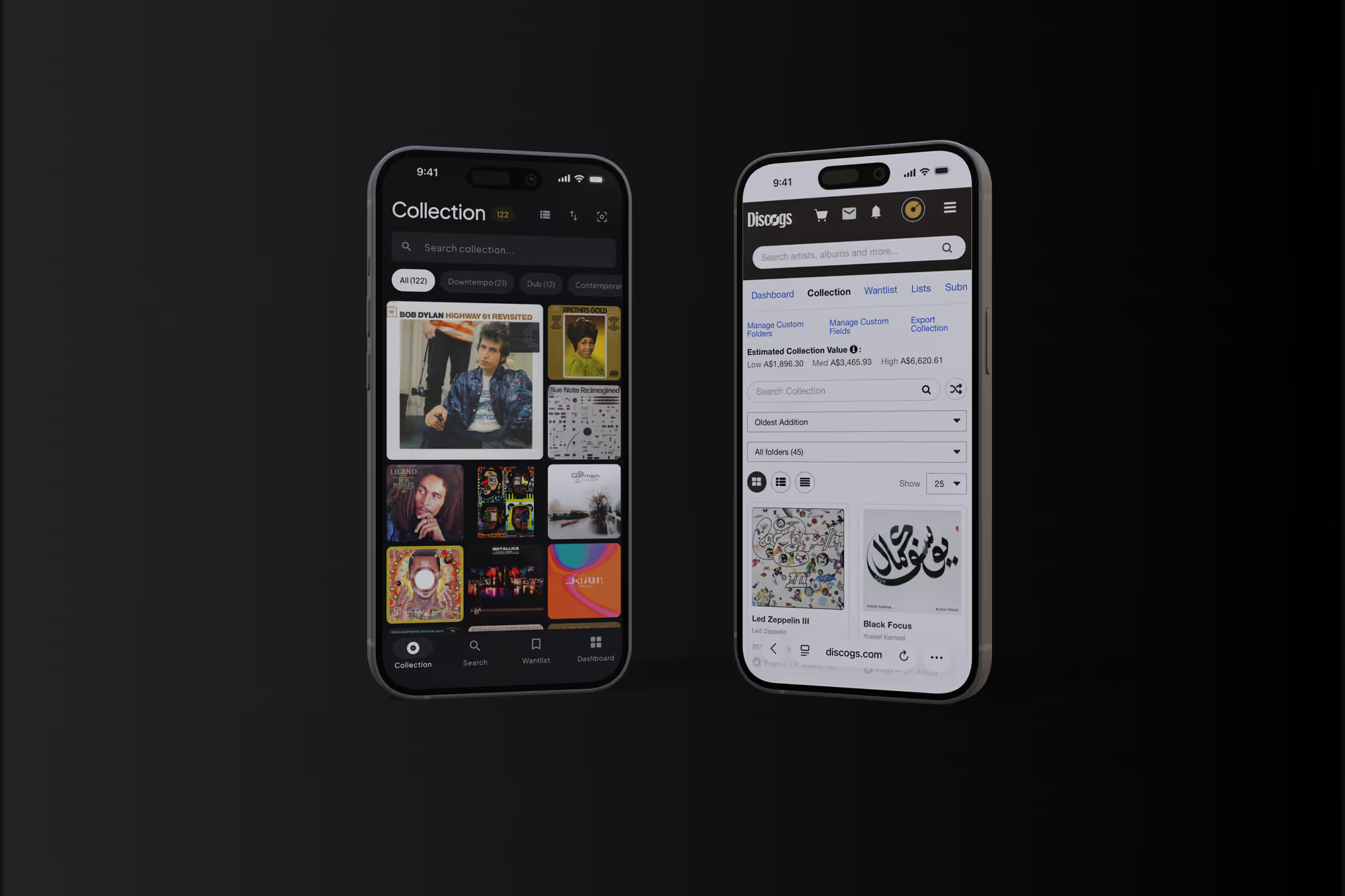
The vinyl wishlist app for records you are still hunting
Keep every record you want in one place, ranked Grail, Hunting or Someday, with your Discogs wantlist already loaded. Then check it in the racks before you buy.
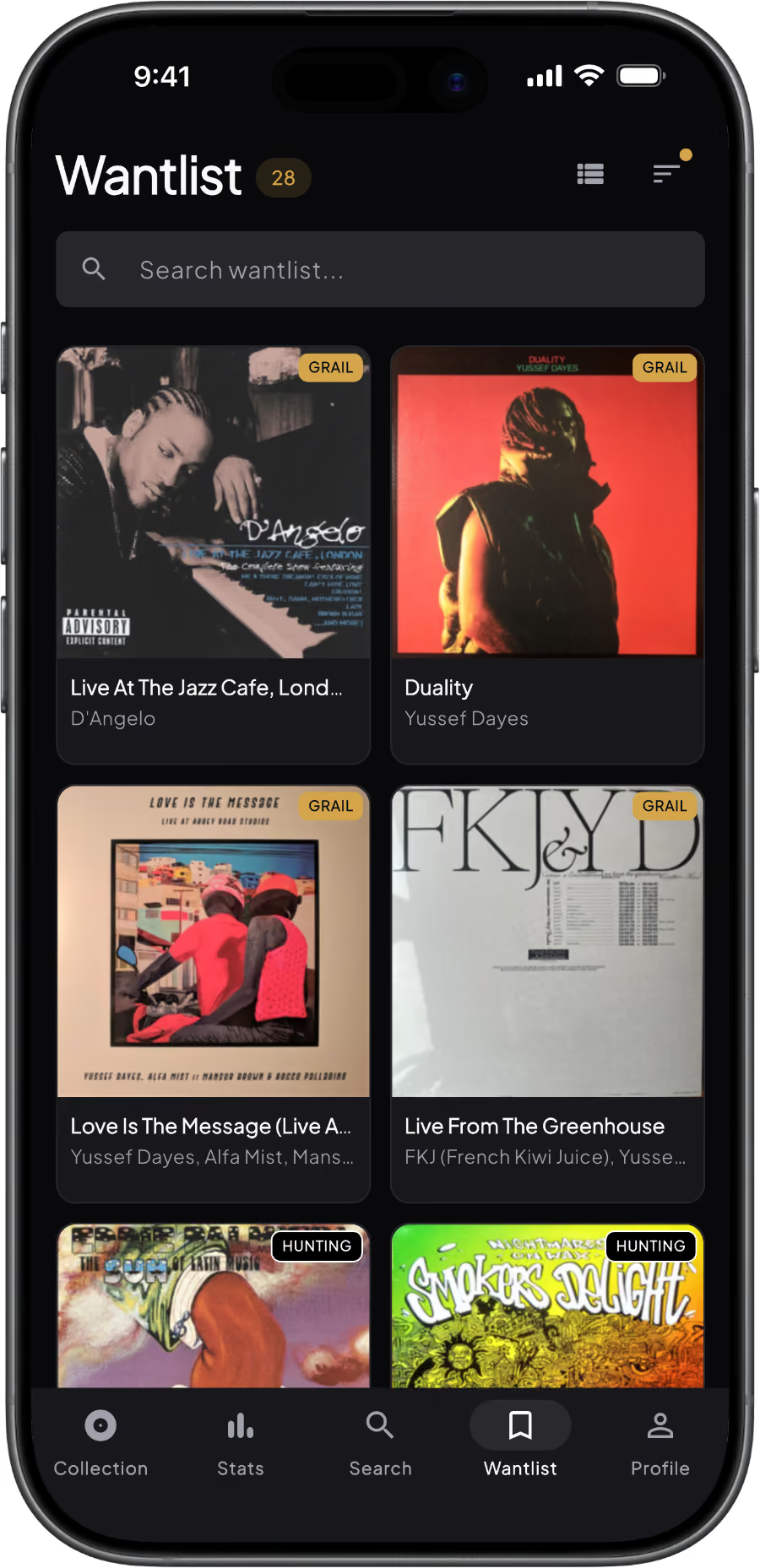
How the Wantlist works
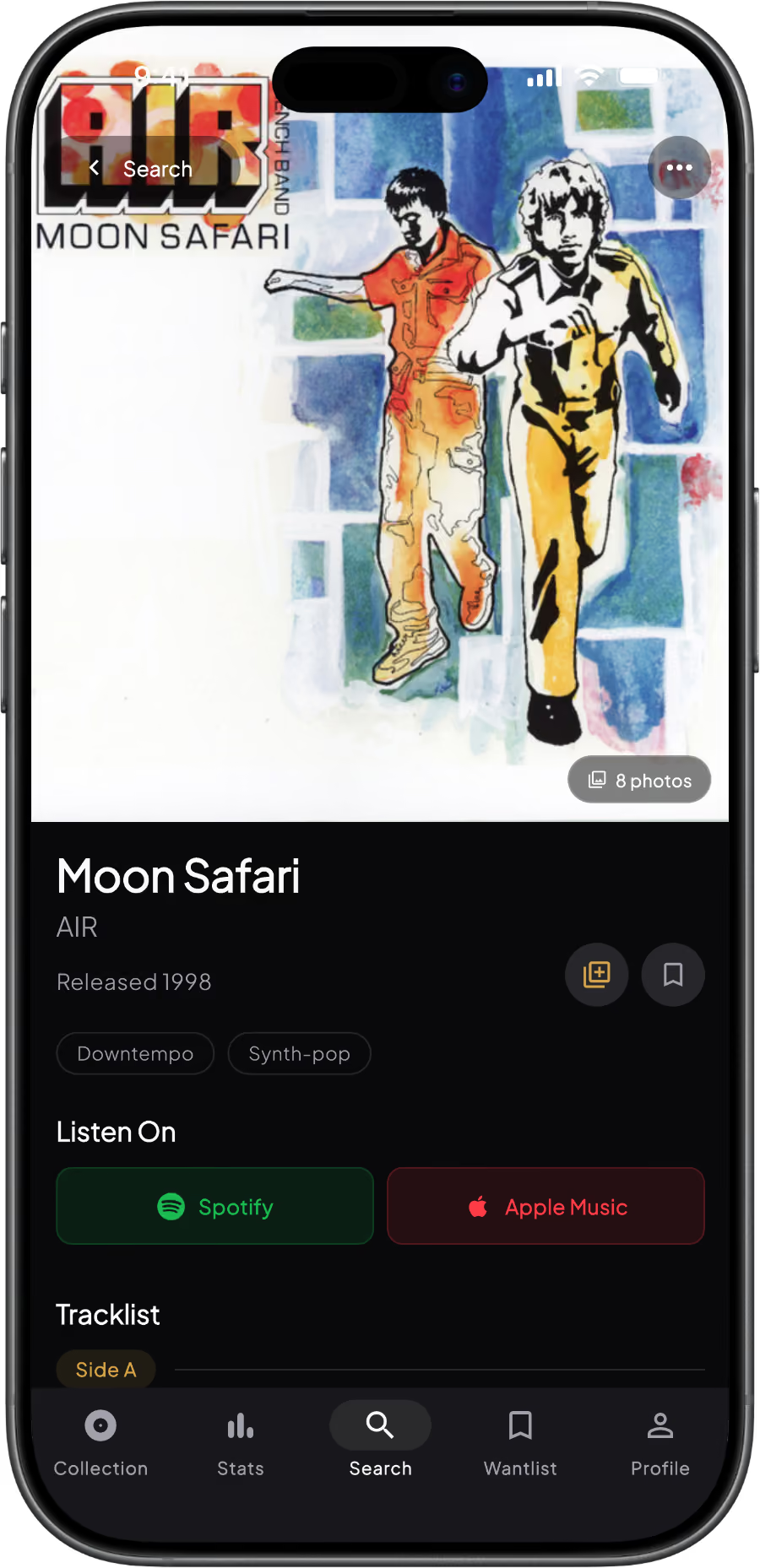
Add the records you want
Search 16 million releases from Discogs, or scan a barcode when you spot one in a shop. Open the record and tap Add to Wantlist. It saves with its pressing, artwork and label details.
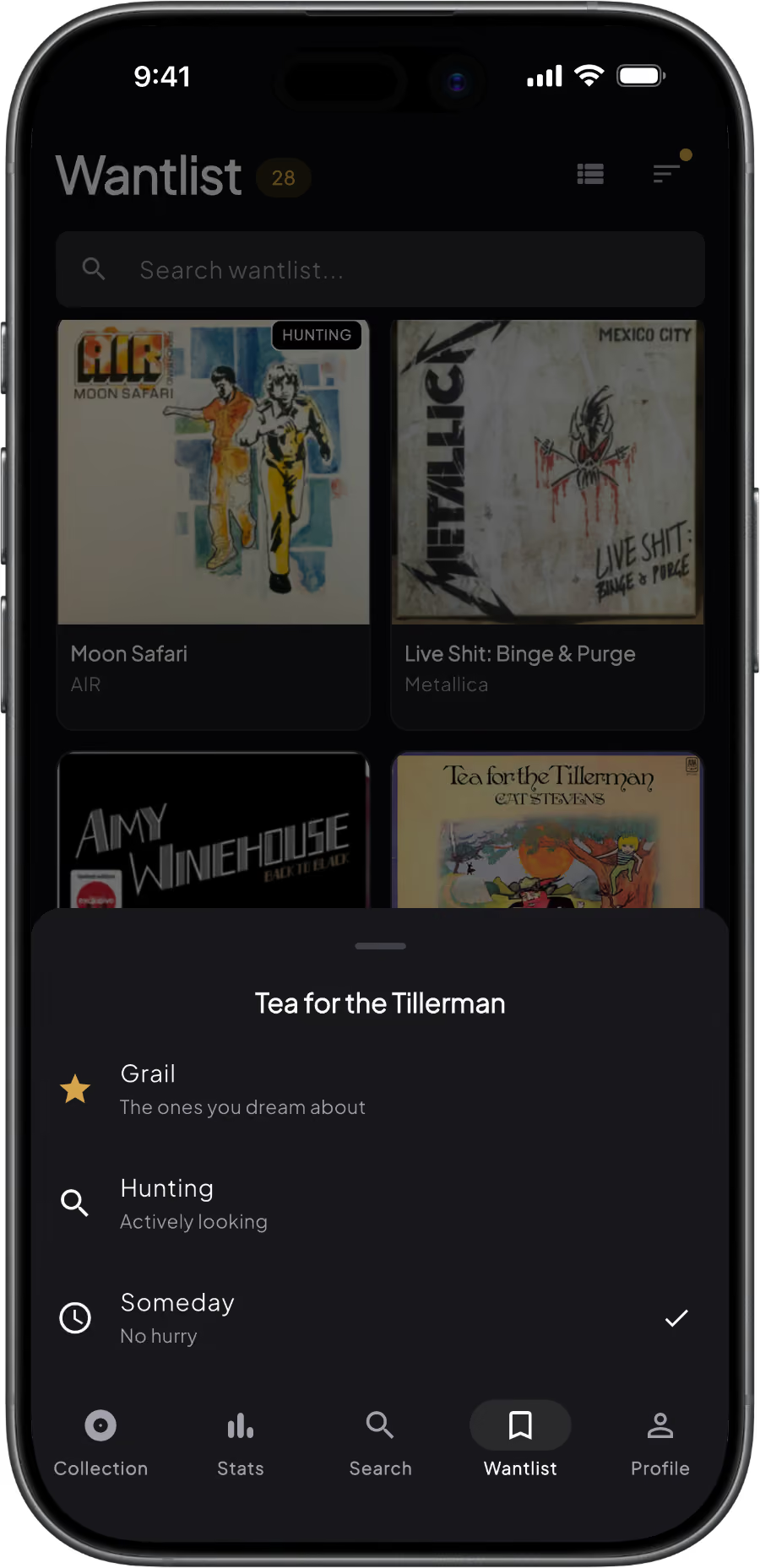
Rank it Grail, Hunting or Someday
Long-press any record on your Wantlist to set its priority. Grail gets a gold badge, Hunting a black one, and Someday is the quiet default. Switch to the Priority sort and your Grails sit at the top.
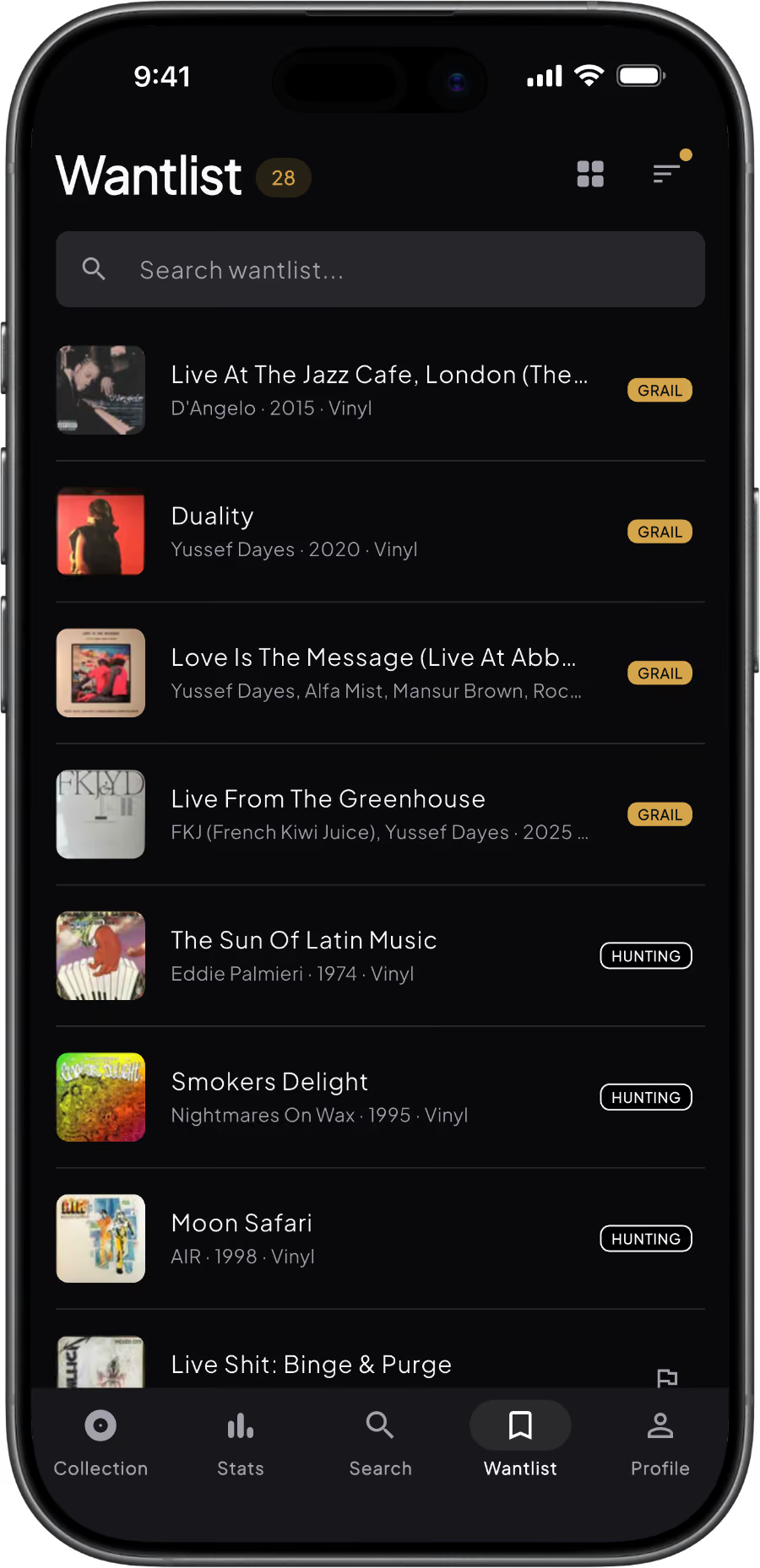
Check it in the racks
Your Wantlist opens with no signal, which is most record shops. Pull it up, check the pressing, and stop buying records you already own.
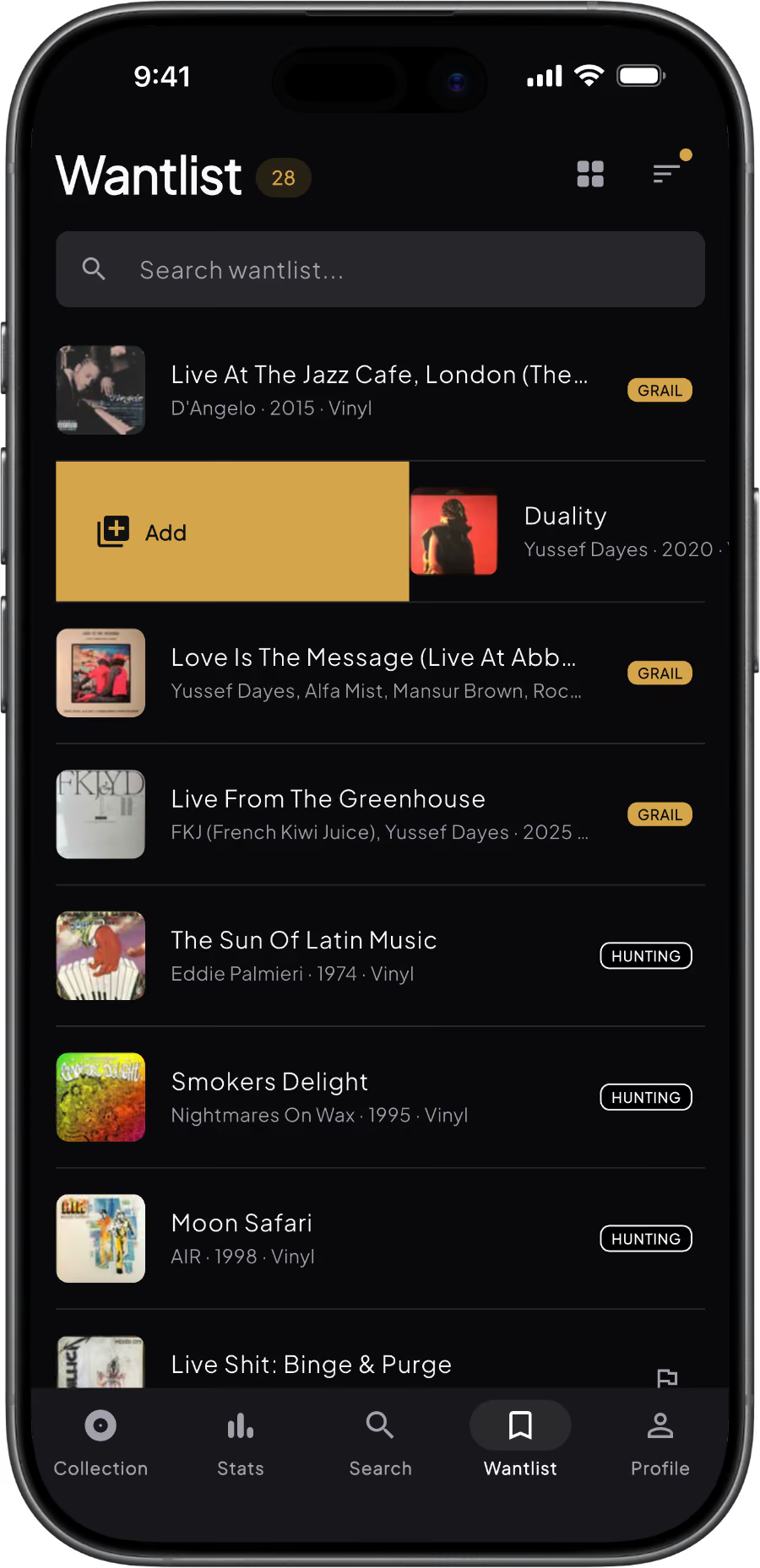
Found it? Swipe it in
Swipe right on a want to move it into your collection with condition, price paid, date and where you found it. It leaves the Wantlist on its own, and the estimated value shows up on the copy you now own.
Built for the hunt
The Wantlist is not a bookmark folder. It is the list you take crate digging.

Grail, Hunting, Someday
Three priority levels instead of a flat list. Grail gets a gold badge, Hunting a black one, Someday stays quiet. Sort by priority and your grails float to the top.

Discogs wantlist import
Already keep a wantlist on Discogs? Connect your account and it lands in Groovv with pressings intact. Your 5-star wants become Grails, 4-star become Hunting. Use Discogs for the marketplace. Use Groovv for the hunt.

Viewable offline
The list opens with no signal. No spinner, no guessing whether you already own it. Changes need a connection, so add and rerank once you are back online.

Swipe to collect
Swipe right when you find one and it moves into your collection with condition, price and where you bought it. Swipe left to remove, with undo.
.svg)
Share your Wantlist
Turn on sharing and anyone with your link sees the covers, titles, artists and years you are after. Your priorities stay private. Handy around birthdays.
Pro removes the 25-record cap on your Wantlist and the 100-record cap on your collection.
Free vs Pro
Wantlist import reads your Discogs wantlist, and resync is free. If you turn on Add to Discogs, wants you add in Groovv can go onto your Discogs wantlist too. Groovv only ever adds, never edits or deletes.
Wantlist questions
Can I import my Discogs wantlist?
Yes. Connect your Discogs account inside Groovv and your wantlist imports with each pressing intact. Free accounts import the first 25 items and Pro imports everything. Resync is free and picks up anything you have added or removed on Discogs since.
Is the Wantlist free?
Yes. Free accounts can keep up to 25 records on the Wantlist, with priority levels and sharing included. Pro removes the cap for collectors with a longer list.
Can I sort my Wantlist by priority?
Yes. Long-press a record to rank it Grail, Hunting or Someday, then choose the Priority sort and your Grails sit at the top. You can also sort by Recently Added, A to Z, Z to A or By Artist, and Groovv remembers your choice.
Does changing a priority in Groovv change my Discogs rating?
No. Priorities stay in Groovv. On import, Groovv reads your Discogs ratings, so 5 stars becomes Grail and 4 stars becomes Hunting, but changing a priority in Groovv never touches your Discogs rating.
Does the Wantlist work offline?
You can view it offline, so it opens in shops with no signal. Adding, removing or reranking a record needs a connection.
Start tracking the records you want
Add your first 25 wanted records free. Import your Discogs album wantlist in a couple of taps and take it with you next time you go digging.
Keep reading
The 8 Best Vinyl Collection Apps in 2026, Tested Honestly