How to grade vinyl scratches, and what they do to value
Most marks on a record are scuffs, not scratches, and telling them apart can be worth a whole grade. Here's how to check, where a scratch lands on the Goldmine scale Discogs uses, and what it does to a record's estimated value.
How to grade a scratched record
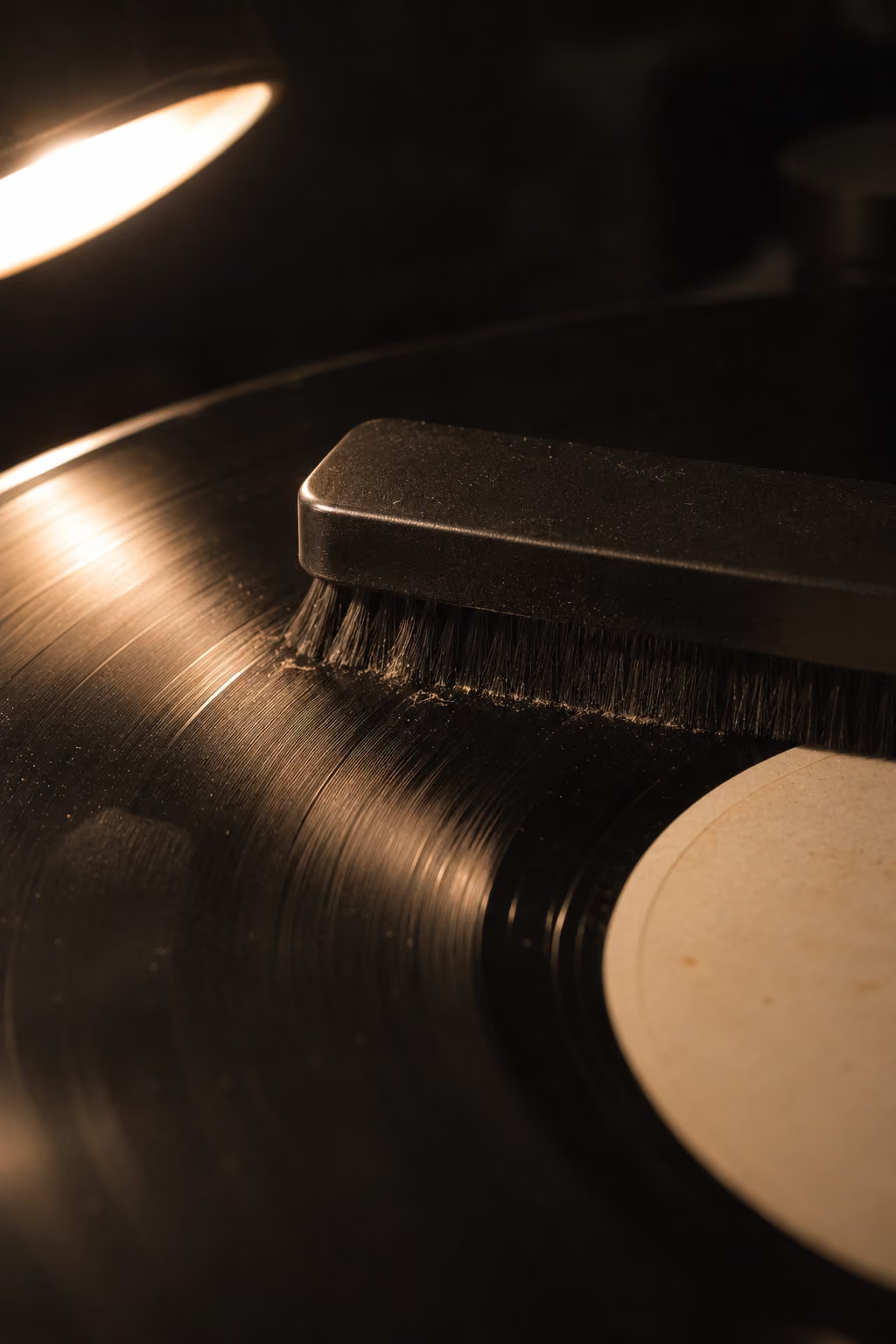
1. Clean it first
Dust, dried fingerprints and old cleaning residue can look and sound like light scratches, and they're the most common reason a record gets marked down unfairly. Clean it before you grade it. The guide to cleaning vinyl records covers the methods, from a carbon fibre brush to a full wet clean. In Groovv you can log the clean against the record, so you know when it was last done.
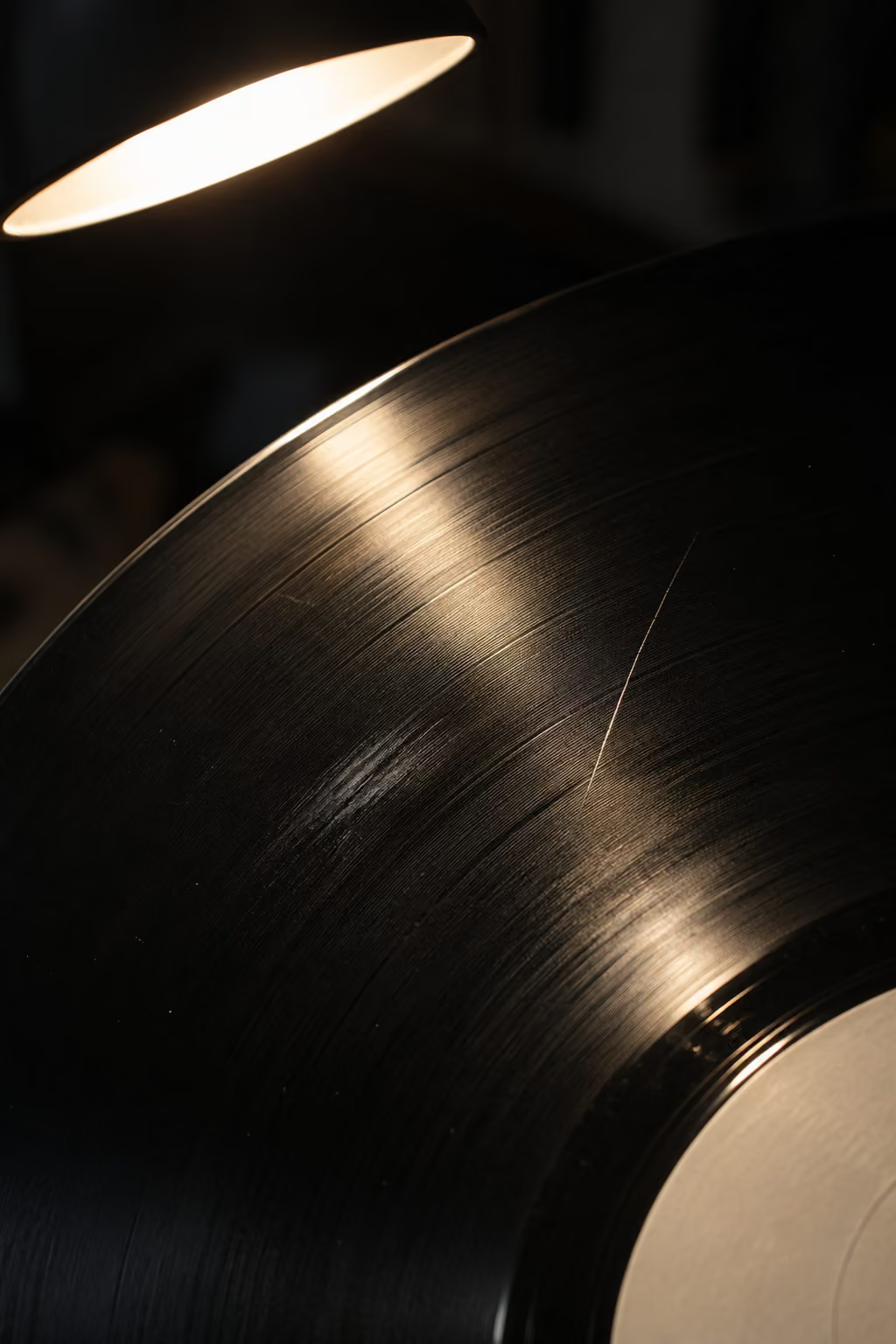
2. Scuff or scratch? Look under one light
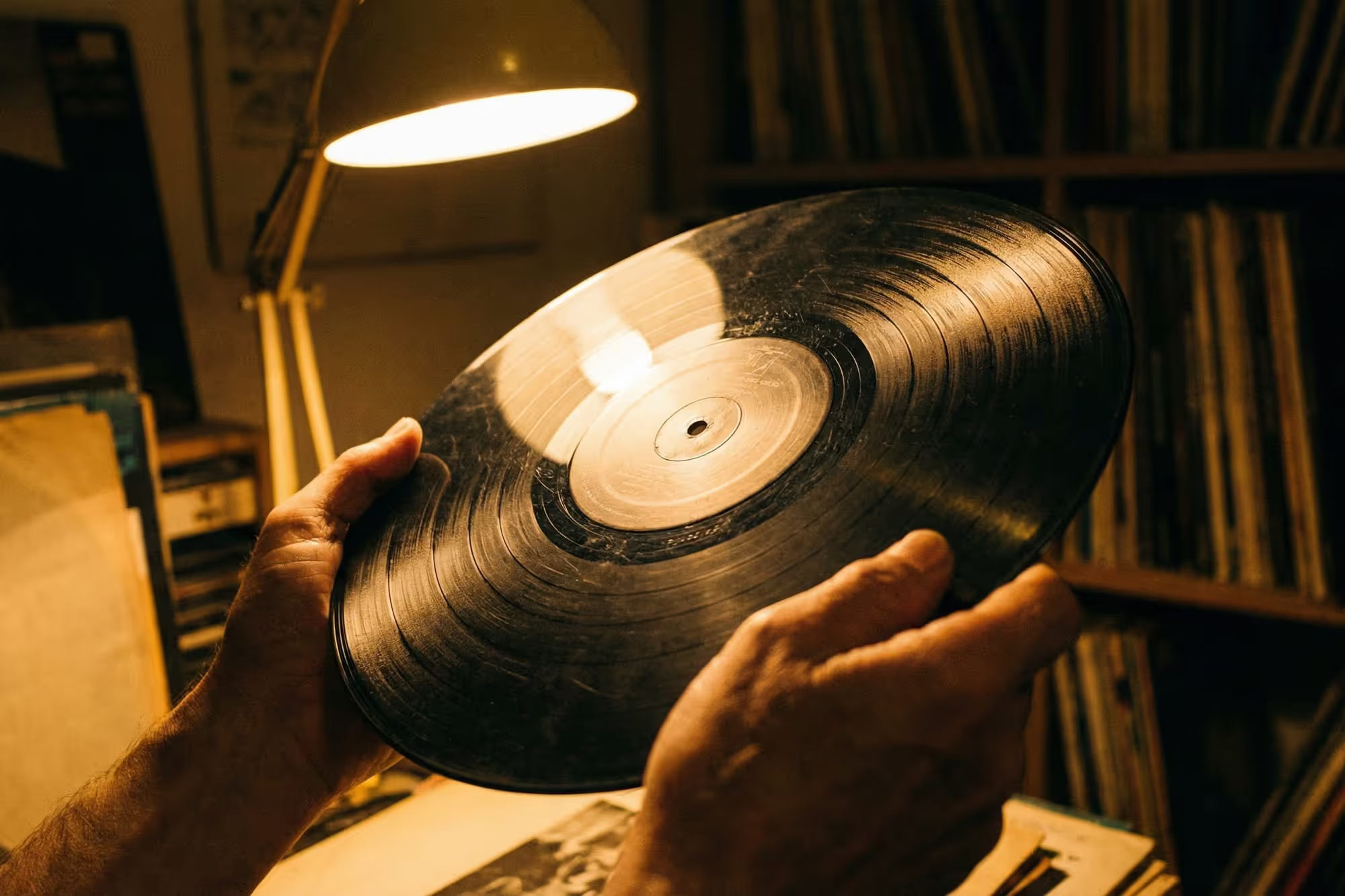
Hold the record under a single bright light, a desk lamp or your phone torch rather than the ceiling light, and tilt it slowly. A scuff is a dull patch on the shine that sits on the surface; sleeve marks and handling scuffs look like this. A scratch is a fine line with a defined edge that cuts into the groove. If the line runs across the grooves rather than along them, treat it as a scratch until the play test says otherwise.
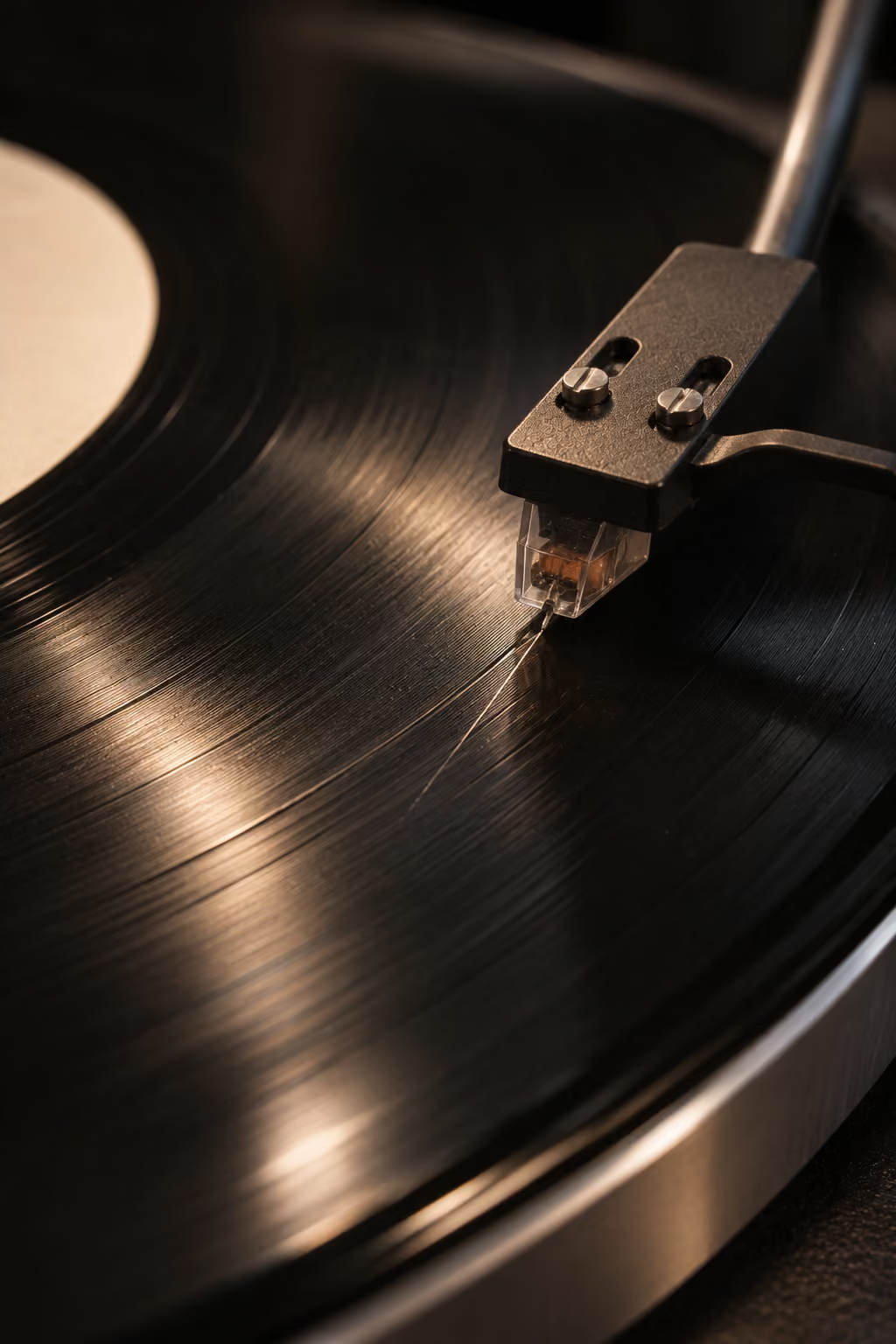
3. Play it, because your ears decide
The play test is what sets the grade. Play the side with the mark and listen through it, ideally in a quiet passage. A mark you can see but not hear grades very differently from one that clicks every revolution. Note whether it's a single tick, a click on every turn for a few seconds, noise across the whole track, or a skip. That's the detail a buyer, or future you, actually needs.
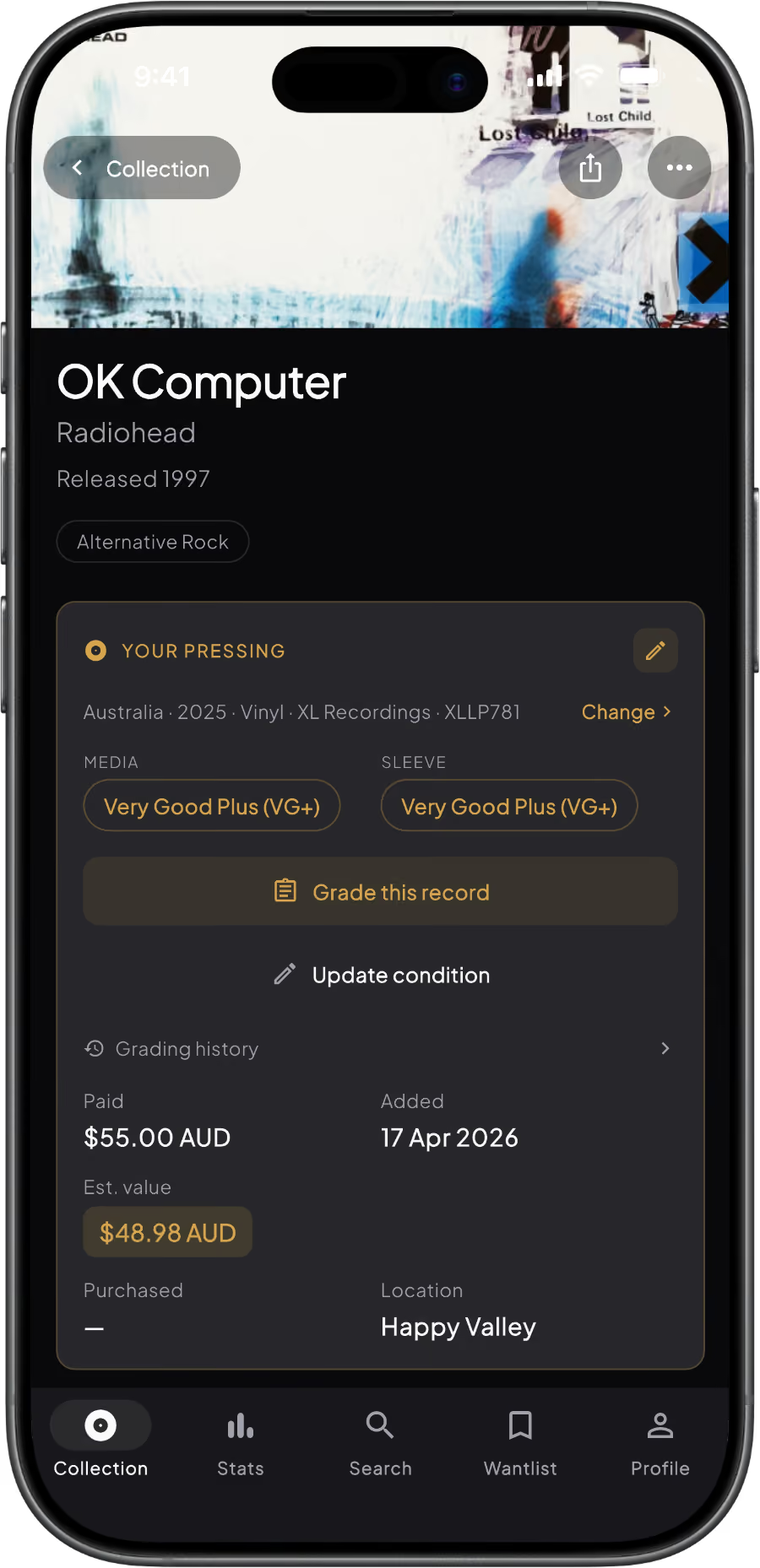
4. Grade it in Groovv and watch the value move
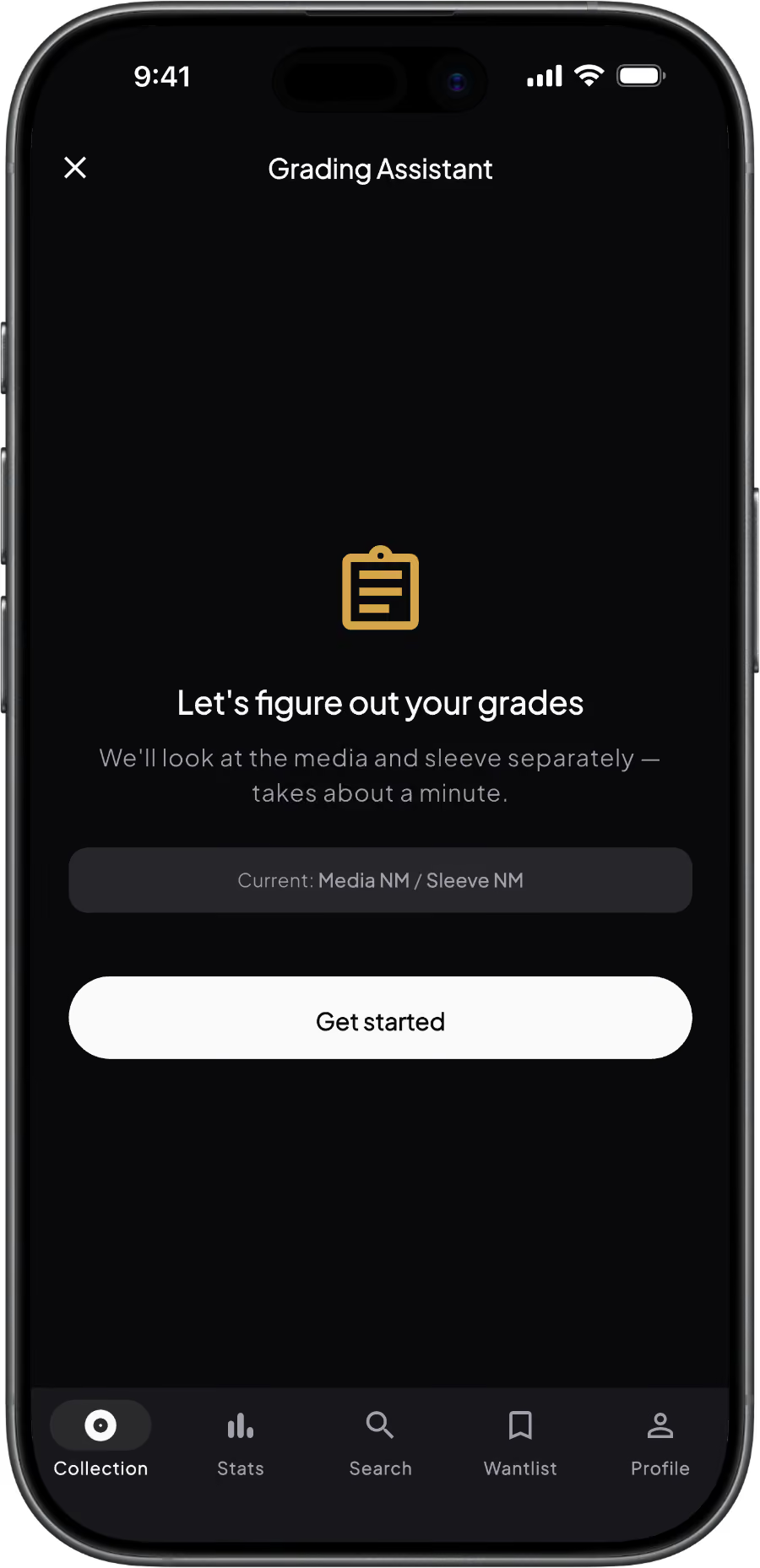
Open the record and start the grading assistant. It works through the visual and play checks one at a time, for the media and then the sleeve, and suggests a grade on the Goldmine scale. The full grading assistant is free, and the record's estimated value follows the media grade straight away, along with your collection total.
With Groovv Pro you can add up to six condition photos to a grading, with captions, so every mark is on record. Regrade after a clean or a closer listen and the grading history keeps each version, so you can see what changed.
Grade your records free in Groovv - step-by-step Goldmine checks and a value that follows the grade. Get it on the App Store · Get it on Google Play
How scratches move a record down the Goldmine scale
The Discogs grading system is the Goldmine scale: Mint, Near Mint (NM or M-), VG+, VG, G+, G, Fair and Poor, given separately for the media and the sleeve. Scratches only count against the media grade. Here's where they usually land.

Near Mint: no marks that matter
Nothing beyond the faintest handling marks, visible only at an angle under a strong light. No scratches and no added noise when it plays.

VG+: seen, not heard
Light scuffs or fine hairline marks that don't affect play. If you can see a mark but can't hear it, VG+ is usually still in reach.

VG: heard, but plays through
Noticeable marks and some surface noise, perhaps a light tick from a scratch, but no skips. Still enjoyable to play, and priced well below VG+.

G+ and below: noise throughout
Scratches you hear all the way through and heavy surface noise. G+ still plays without skipping; a skip drops it to G or below, and Fair and Poor are records you keep because they're rare.
The grading assistant, current grade and estimated value are free on every record. Pro adds up to six condition photos per grading and the full grading history, so you can see how a record's condition has changed.
Free vs Pro: grading and value
Just want a quick check? The free web grading tool grades one record in about a minute, no app needed. The app keeps the grade and estimated value against the record in your collection, plus condition photos with Pro. For every grade in detail, see the vinyl record grading guide.
Questions about vinyl scratches
Can a scratched record still be VG+?
Yes, if the marks are light and you can't hear them when it plays. Once a scratch is audible, VG is usually the most you can give it.
Is the Discogs grading system the same as Goldmine?
Yes. Discogs uses the Goldmine grades from Mint down to Poor, with Near Mint shown as NM or M-, and grades the media and the sleeve separately. Groovv's grading assistant uses the same standard.
What does VG condition mean on vinyl?
VG means visible marks and surface noise you can hear, but the record still plays through without skipping. It usually sells for noticeably less than VG+ or NM.
What's the difference between a scuff and a scratch?
A scuff sits on the surface. It dulls the shine but doesn't cut into the groove, and usually makes no sound. A scratch cuts into the groove, and a deep one clicks once every revolution. Tilt the record under a single bright light to find it, then play it to be sure.
Will cleaning remove scratches from a record?
No. Cleaning removes dust and residue, which can look and sound like light scratches, so a record often grades higher after a good clean. A real scratch is damage to the groove and stays.
Does Groovv change a record's value when I change the grade?
Yes. Estimated values come from real Discogs sales for your pressing, adjusted for the media grade, so regrading updates the record's estimate and your collection total. The sleeve grade doesn't change the estimate.
Find out what that scratch really costs
Download Groovv free, open the record with the mark on it and run the grading assistant. You'll have a grade and an estimated value before the side finishes.
Keep reading
The Complete Guide to Vinyl Record Grading (2026)
