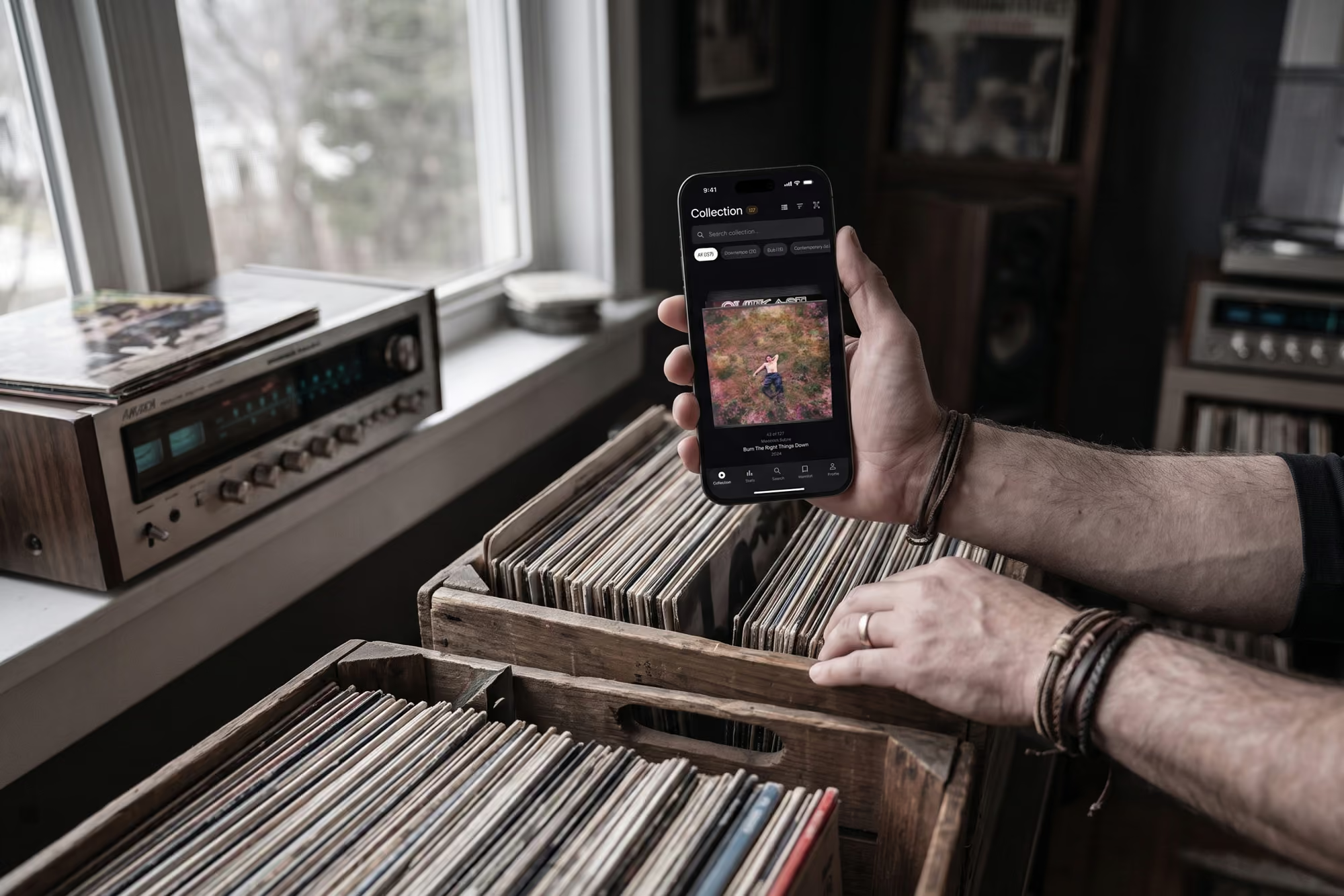
A vinyl scanner app that adds a record in seconds
Point your phone at the barcode and the exact pressing lands in your collection with artwork, tracklist and label details from Discogs. No barcode? Scan the cover instead. Cataloguing a shelf takes an afternoon, not a weekend.
How scanning works
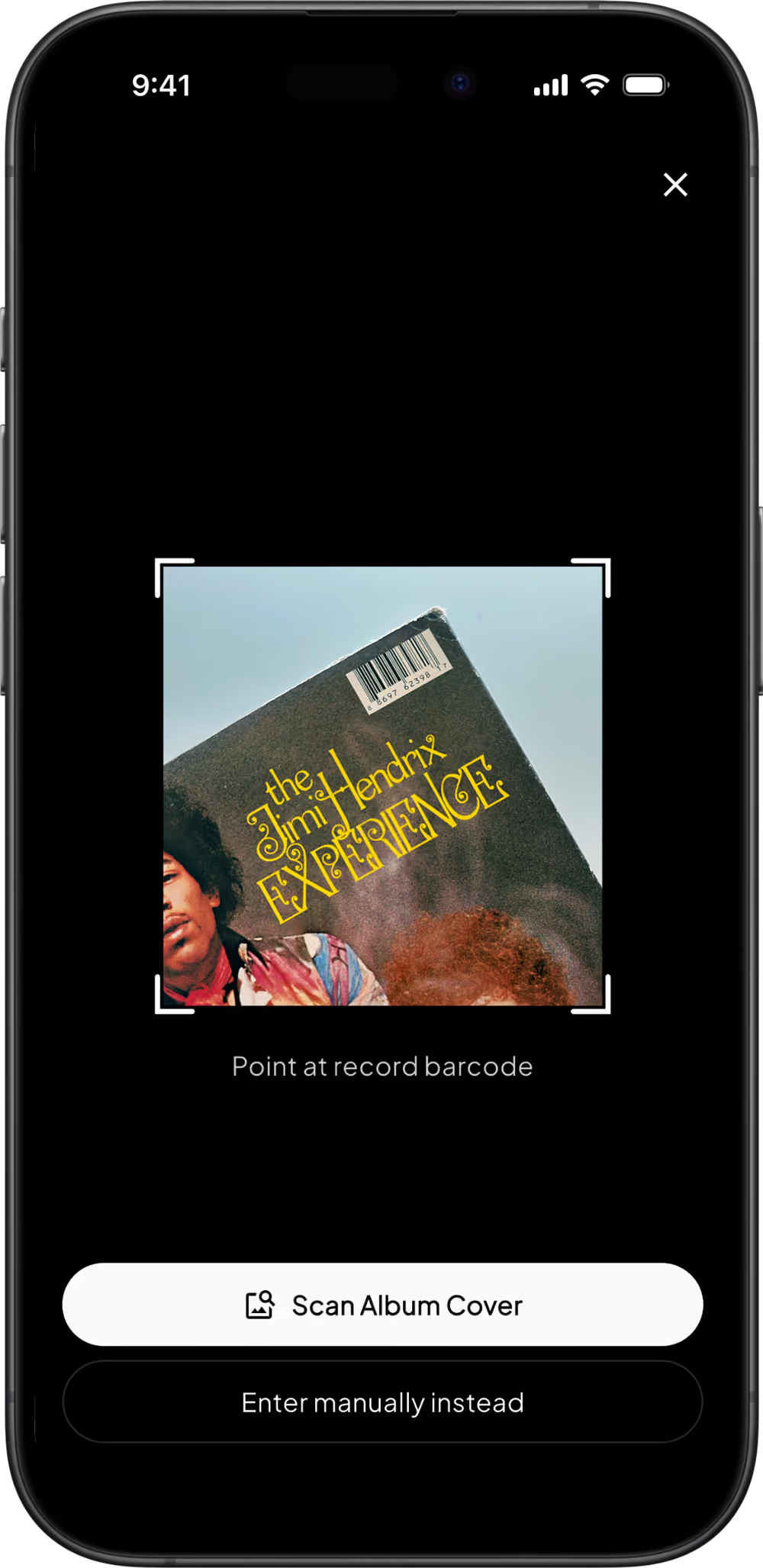
Open the scanner
Tap the scan button from anywhere in your collection. The camera opens straight into barcode mode, ready for the next record on the pile.
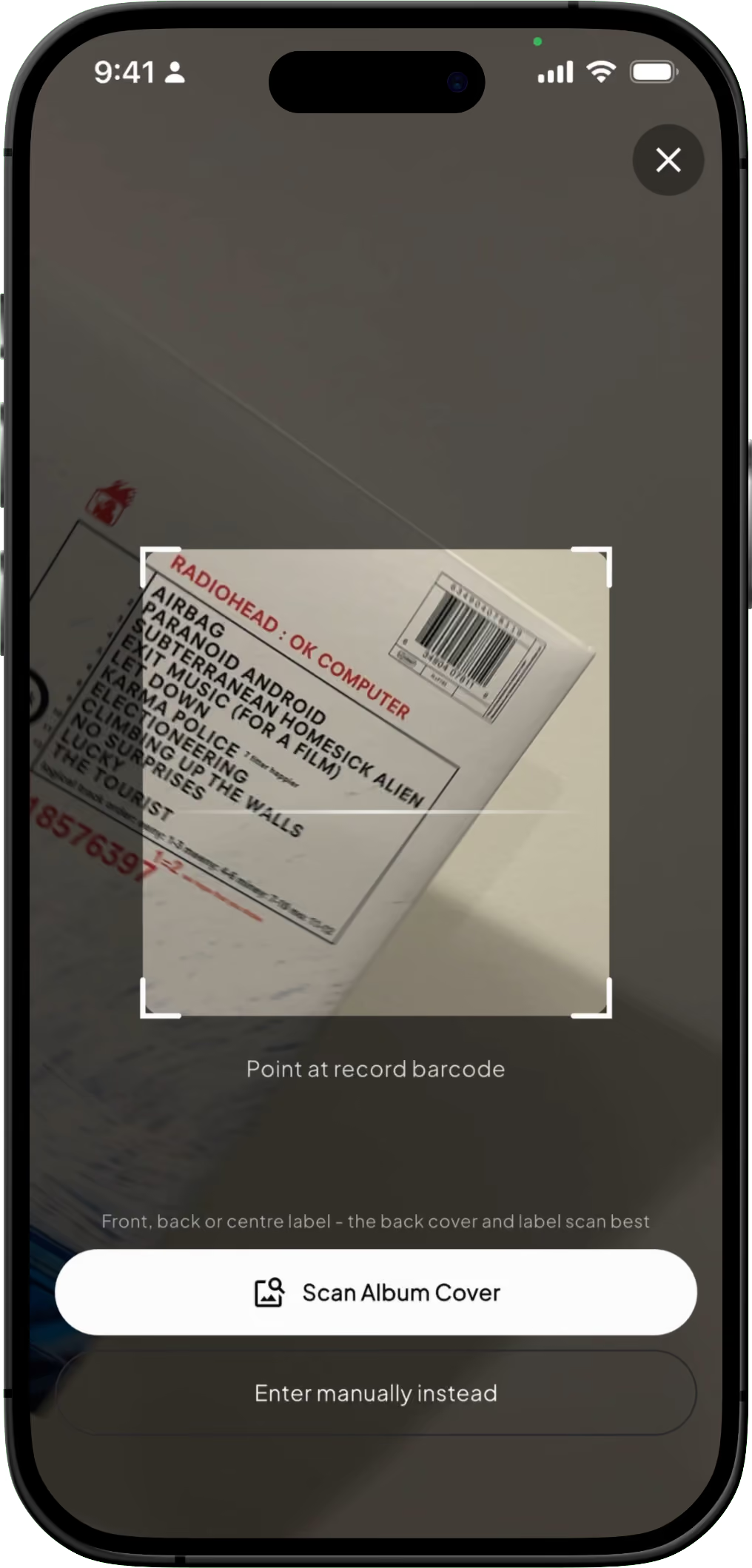
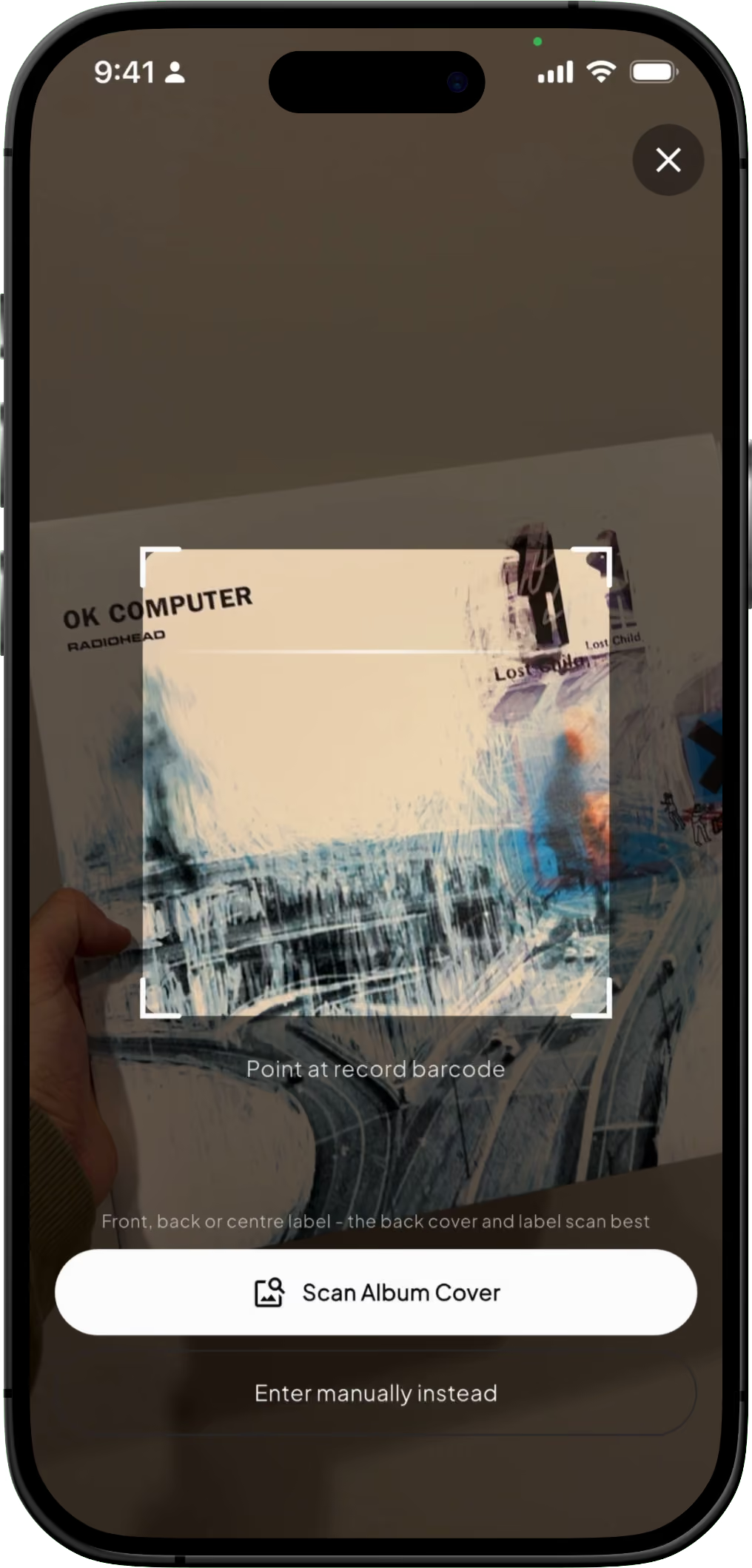
Scan the barcode, or the cover
Hold the barcode in frame and Groovv looks it up on Discogs in a second or two. For records that predate barcodes, switch to cover scan and point the camera at the front of the sleeve. If the match is wrong, tap "Not it?" to scan the back cover or centre label instead. If nothing lands, search by artist, album or label, or enter the record by hand.
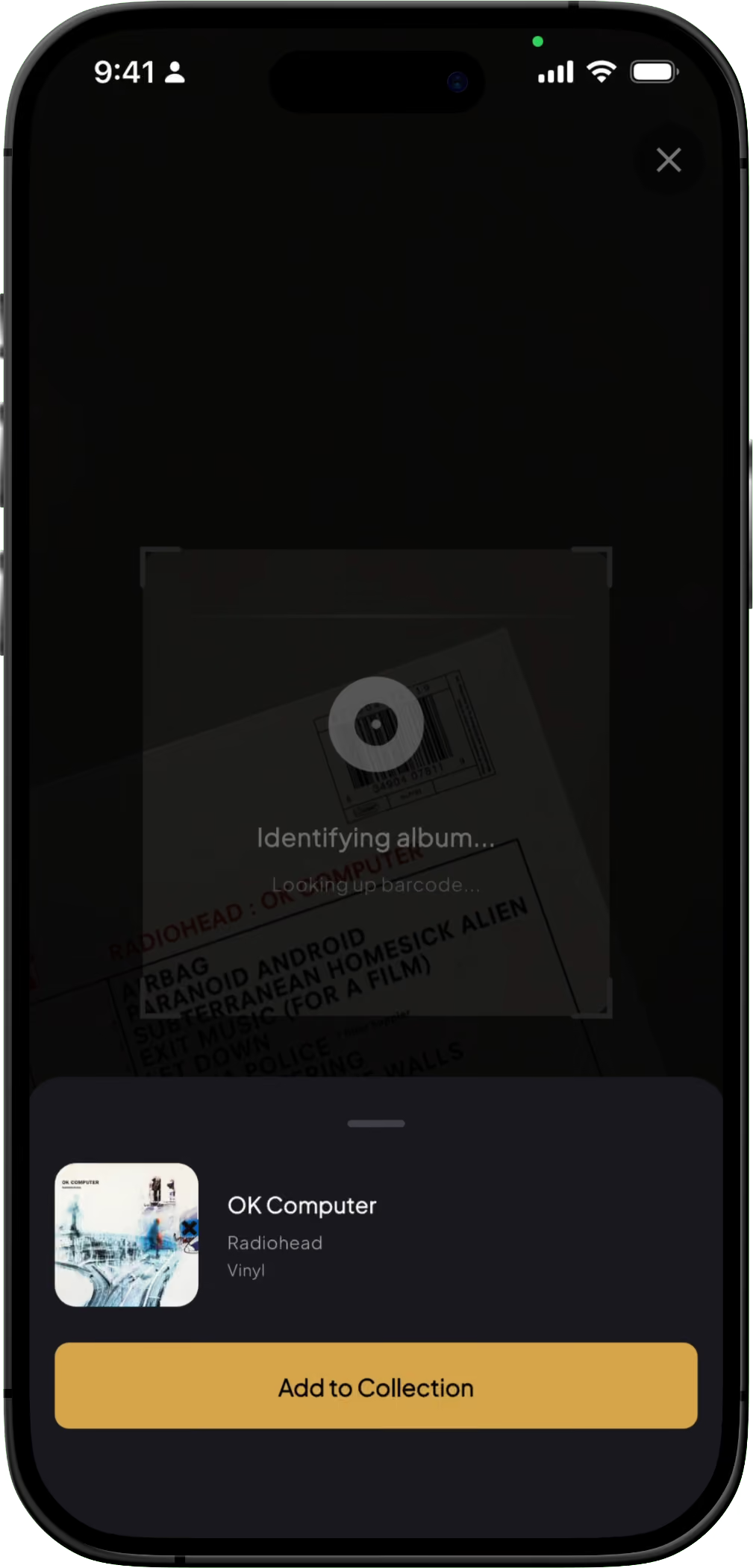
Confirm and add
Check the match, add it, and the record is filed into its genre crate automatically. If the scan found the album but not your exact copy, open the record and tap change pressing to pick yours from every version Discogs knows about.
Two ways to scan, one collection
Most records pressed since the mid-1980s carry a barcode, and that is the fastest and most accurate way in. Everything older needs a different approach, so Groovv gives you both.

Barcode scanner
Groovv looks the barcode up on Discogs, lists every pressing that shares it, and picks the version from your region, with the others one tap away. Unlimited on every tier.

AI cover scan
For older pressings and anything without a barcode, point the camera at the front cover. Groovv reads the artwork and finds the album on Discogs. Ten scans free to try, 50 a day on Pro.

Exact pressing, every time
A cover scan finds the album; your copy might be a different pressing. Open the record and change pressing to choose from every Discogs version, with the estimated value updating as you do.

Built for a stack of records
The scanner stays open between records, so you can work through a crate without leaving the camera. Duplicates are flagged before they are added.
Free accounts get unlimited barcode scans up to 100 records and 10 AI cover scans to try. Pro removes the record limit and gives you 50 cover scans a day.
Free vs Pro: scanning
Prices in USD through the App Store and Google Play. Lifetime is a one-off purchase. Barcode scanning is unlimited on every tier.
Scanning questions
Does the app scan barcodes?
Yes. Point your phone camera at the barcode on the sleeve and Groovv looks it up on Discogs and adds the record with artwork, tracklist and pressing details. Barcode scanning is unlimited on the free tier.
What if my record does not have a barcode?
Use the AI cover scan. Point the camera at the front cover and Groovv identifies the album from the artwork. Free accounts get 10 cover scans to try it, and Pro accounts get 50 a day. You can also search by artist and title at any time.
Does the scanner find the exact pressing?
Usually. Several pressings can share a barcode, so Groovv lists every one that matches and picks the version from your region, with the rest one tap away. A cover scan finds the album, including limited and one-off pressings. If your copy is a different version, use change pressing on the record page to choose from every version on Discogs.
Does scanning work on 7-inch singles and box sets?
Yes, as long as the barcode is on the sleeve or the box. Cover scan works on any front artwork, including singles and box set lids.
Do I need a Discogs account to scan?
No. Scanning uses the Discogs database in the background and works on a fresh Groovv account. A Discogs account is only needed if you want to import an existing collection or add records back to your Discogs.
Point your phone at a record
Download Groovv free and scan your first record in under a minute. Barcode or cover, the exact pressing is a tap away.
Keep reading
How to Catalogue and Organise a Vinyl Collection